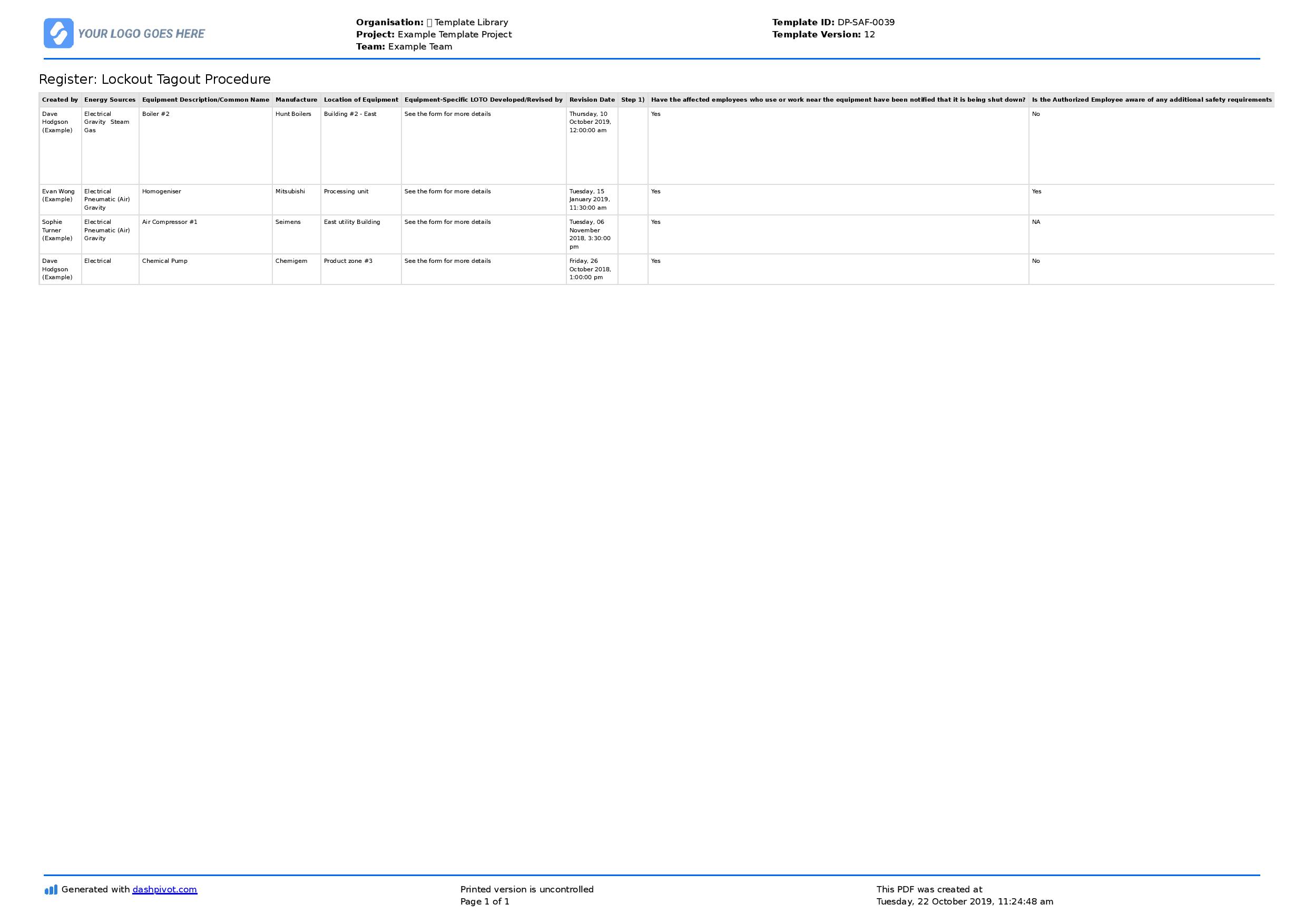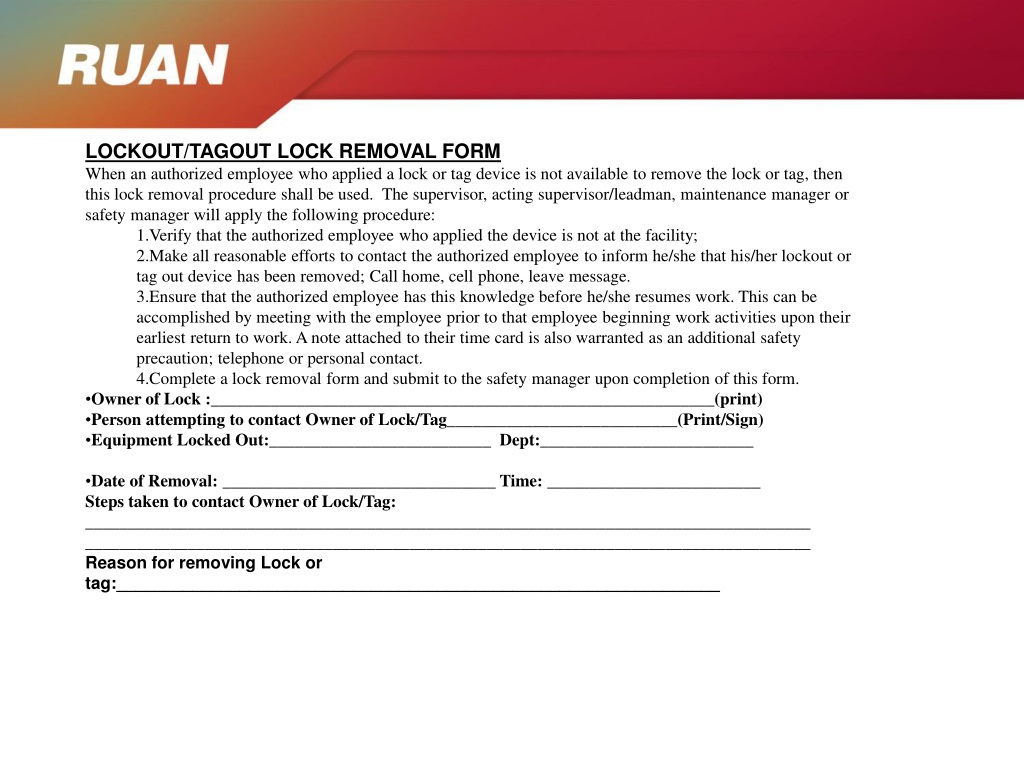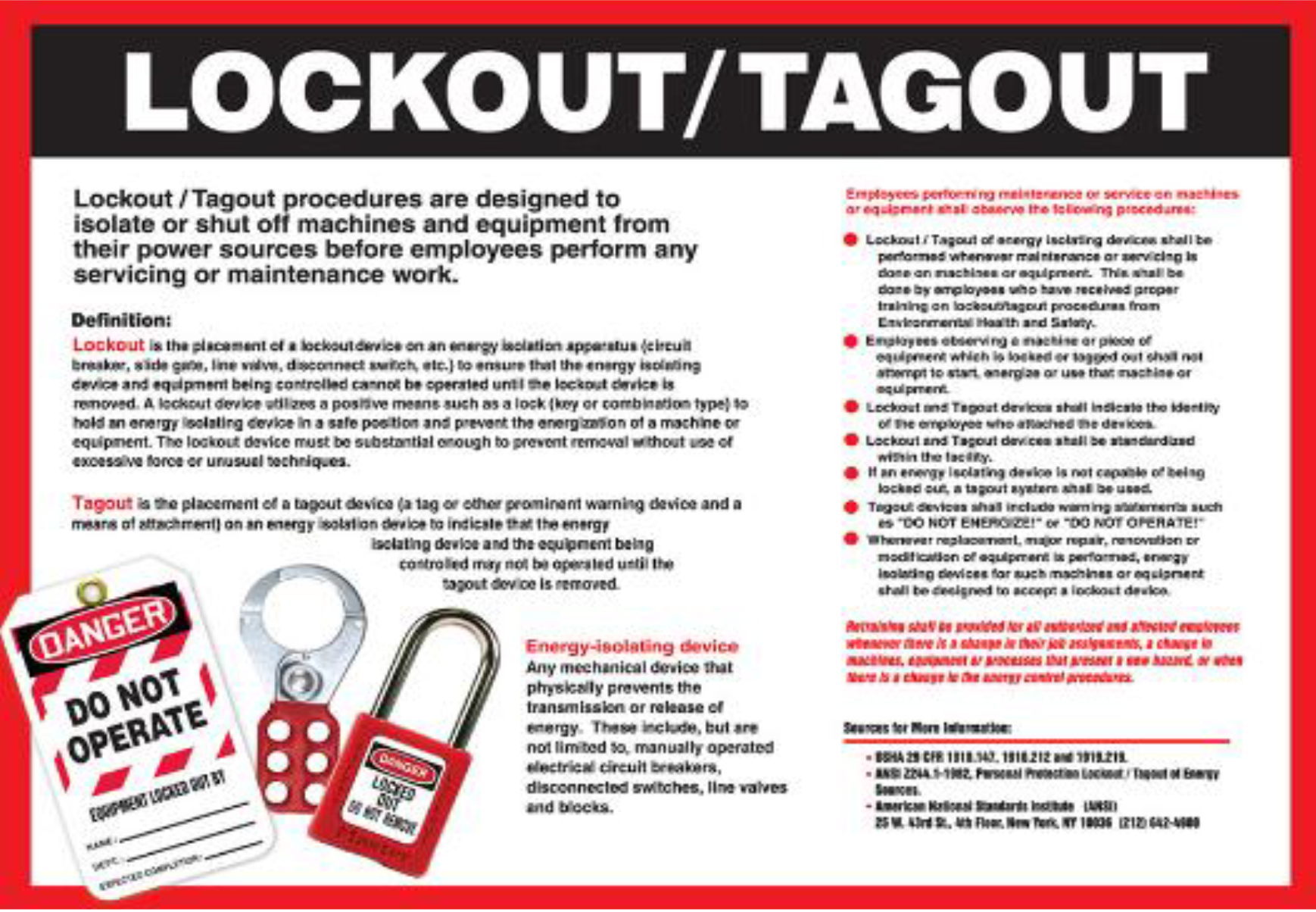
In high-risk industrial environments, a missing signature on a lockout tagout form can lead to catastrophic consequences. Yet, many facilities still rely on handwritten logs, outdated procedures, or no formal documentation at all. The lockout tagout forms PDF isn’t just paperwork—it’s a legal and operational safeguard that bridges policy and practice.
A well-designed LOTO form PDF ensures consistency, traceability, and audit readiness. More importantly, it protects workers during maintenance by clearly documenting who locked what, when, and why. This article cuts through the clutter to deliver practical, actionable lockout tagout forms in PDF format, common pitfalls to avoid, and workflow integration strategies that actually work on the shop floor.
Why a Standardized Lockout Tagout Forms PDF Matters
Miscommunication during equipment servicing causes over 10% of serious industrial injuries annually. A standardized PDF form eliminates ambiguity. Unlike paper-based or ad-hoc systems, a digital LOTO form PDF:
- Remains legible and tamper-resistant
- Can be pre-filled and printed on-demand
- Supports digital archiving for OSHA inspections
- Reduces time spent on form completion during shutdowns
For example, a Midwest automotive parts manufacturer reduced its maintenance-related incidents by 62% after switching to a standardized LOTO PDF form. The key wasn’t the form alone—it was the consistency it enforced across all departments.
Without a formal document, assumptions grow. “Did John lock out the conveyor?” becomes a dangerous question when the answer isn’t in writing.
Key Elements of an Effective LOTO Forms PDF
Not all PDF forms are created equal. A high-quality lockout tagout forms PDF must include these non-negotiable sections:
#### 1. Equipment Identification - Machine name and ID number - Location (building, floor, line) - Energy sources involved (electrical, hydraulic, pneumatic, etc.)
#### 2. Authorized Employee Details - Full name and ID - Department - Signature field (digital or handwritten)
#### 3. Lockout Procedure Steps - Step-by-step shutdown sequence - Specific lock placement points - Verification method (e.g., “No voltage test performed”)
#### 4. Tag Information - Reason for lockout - Date and time applied - Expected duration
#### 5. Clearance and Restart Authorization - Verification checklist before re-energizing - Sign-off by both maintenance and operations leads
A real-world omission: a food processing plant in Oregon had a near-miss when a technician restarted a mixer without checking the LOTO form. The PDF form in use lacked a “Ready for Restart” checkbox. After the incident, they revised their template to include a mandatory dual-signature restart protocol.
Common Mistakes When
Using Lockout Tagout PDF Forms
Even with the right template, execution failures happen. Here are the most frequent errors:
1. Using Generic Templates Without Customization A PDF form designed for a printing press won’t work for a boiler system. Each machine has unique energy isolation points. Always tailor the form to the equipment.
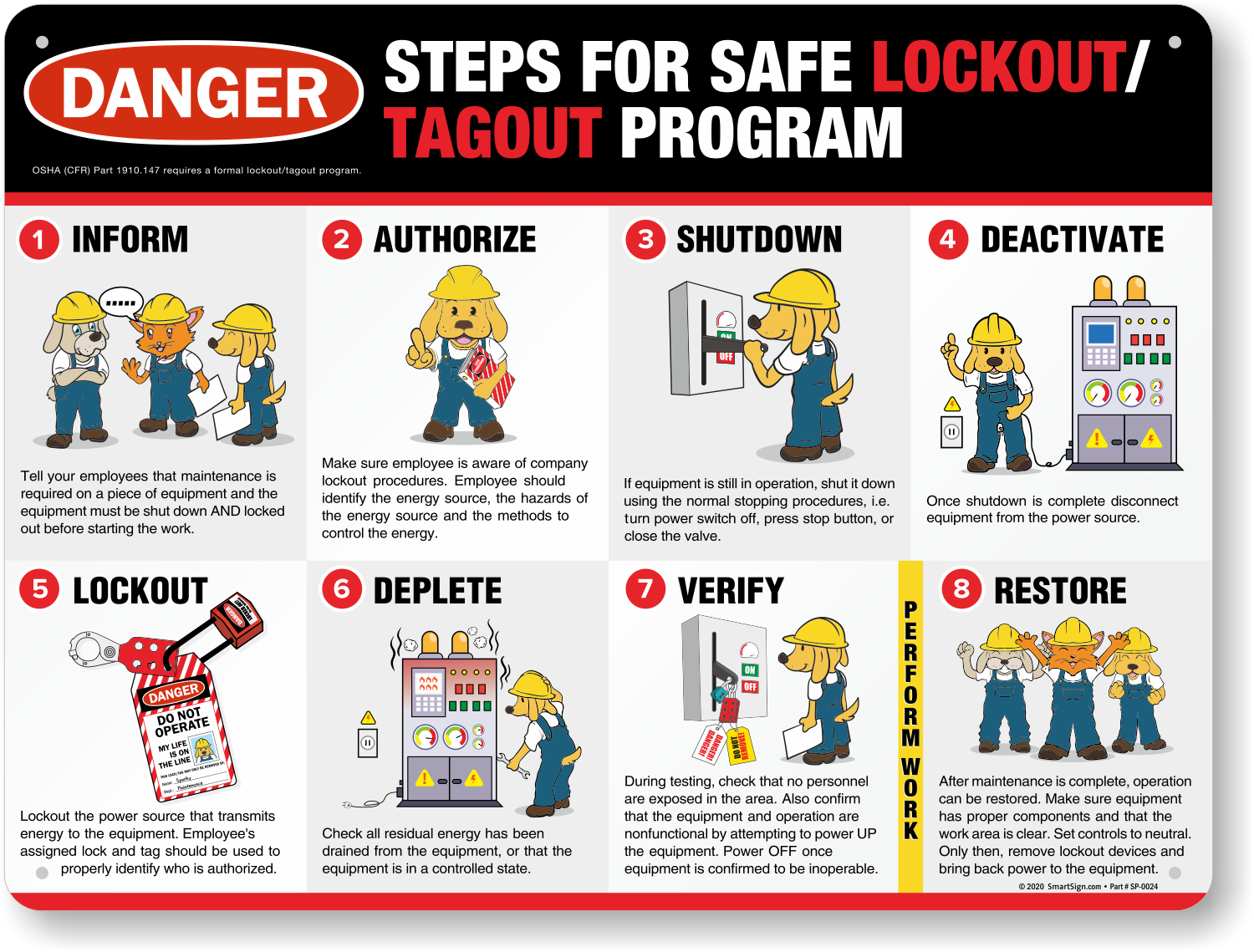
2. Skipping the Verification Step Forms that don’t include a “Test for Zero Energy” line encourage complacency. This isn’t optional—it’s OSHA 1910.147(d)(6).
3. Poor Accessibility Storing the LOTO PDF on a shared drive no one checks renders it useless. Best practice: print and laminate copies near equipment or use QR codes linking to digital versions.
4. Allowing Blank Fields Incomplete forms create liability. Use PDFs with required fields or implement a review step before lockout begins.
5. Failing to Archive Digital forms should be saved in date-stamped folders. During an OSHA audit, inability to produce past LOTO records can lead to fines exceeding $15,000 per violation.
5 Free & Reliable Lockout Tagout Forms PDF Options
Not all free templates meet compliance standards. Below are vetted, downloadable LOTO forms PDF that work in real industrial settings:
| Tool | Features | Best For |
|---|---|---|
| OSHA.gov LOTO Form Template | Basic, OSHA-aligned, fillable PDF | Small facilities needing compliant starter forms |
| Creative Safety Supply PDF Template | Color-coded sections, visual icons, bilingual (EN/ES) | Multilingual teams and visual learners |
| EHS Daily Advisor – Customizable LOTO PDF | Editable fields, includes PPE checklist | Mid-sized plants with varied machinery |
| LockoutTagout.com Machine-Specific PDFs | Pre-built forms for 50+ machine types | Facilities with diverse equipment |
| SafetyPro Resources LOTO Bundle | 10+ templates, audit checklist, training log | Companies preparing for compliance audits |
All are free to download, print, and modify. SafetyPro’s bundle stands out due to its machine-specific variants—ideal for plants with CNC machines, conveyor systems, or chemical processing units.
Avoid random blog-hosted PDFs. Many lack required OSHA elements or contain outdated terminology like “lockout procedure” without tagout integration.
How to Integrate LOTO Forms PDF Into Your Workflow
A PDF form only works if it’s used consistently. Here’s how to embed it into daily operations:
1. Centralize Access Store all LOTO PDFs in a shared folder labeled “LOTO Templates – [Machine Name].” Use consistent naming: LOTO_Form_ConveyorLine3.pdf.
2. Train with the Form During LOTO training, have employees fill out the PDF as part of the simulation. Use a real scenario: “You’re replacing the pump on Tank B—complete the form.”
3. Print and Post Laminate a copy and mount it near the machine. Include a clipboard with pens and spare locks.
4. Digital Option for Large Sites Use a CMMS (Computerized Maintenance Management System) to attach the LOTO PDF to work orders. Technicians open it on tablets before starting.
5. Monthly Form Audits Review 3–5 completed PDFs monthly. Check for missing signatures, vague descriptions, or skipped steps. Address issues in team meetings.
A paper mill in Georgia cut its lockout errors by 70% after introducing monthly form audits. The key wasn’t punishment—it was feedback. Workers appreciated clarity on what to improve.
Customizing Your Lockout Tagout Forms PDF
One-size-fits-all fails in safety. Customize your PDF using these principles:

- Add Equipment Diagrams
- Embed a small schematic showing lock points. For example, a hydraulic press form should mark valve isolation points.
- Include Multilingual Fields
- In diverse workplaces, add Spanish or Vietnamese translations for critical warnings.
- Incorporate QR Codes
- Link to video instructions or the full energy control procedure.
- Use Conditional Fields (in editable PDFs)
- If “Hydraulic Energy” is checked, reveal additional steps for pressure release.
Adobe Acrobat Pro or free tools like PDFescape allow these edits without coding. A manufacturing client in Michigan reduced setup time by 40% after adding QR codes linking to LOTO video guides.
Pitfalls of Over-Engineering the PDF
While customization helps, avoid these excesses:
- Too many fields – 20+ fields slow down emergency shutdowns.
- Over-reliance on digital-only access – tablets fail; printed backups are essential.
- Frequent template changes – staff confusion increases when forms change monthly.
Balance compliance with usability. A form should take under 3 minutes to complete.
Finalizing and Distributing Your LOTO Forms PDF
Before rollout:
- Review with Maintenance and Safety Teams – Get input from those using it daily.
- Run a Pilot Test – Use the form on 2–3 machines for one week. Note bottlenecks.
- Print and Digitize – Ensure both paper and PDF versions are available.
- Train and Certify – Document employee training with form completion.
Store completed LOTO forms PDFs in a folder labeled LOTO_Records_YYYY-MM. Retain for at least one year—OSHA may ask for them.
A lockout tagout forms PDF is more than a document. It’s a frontline defense against preventable harm. The right form—clear, compliant, and customized—strengthens safety culture and simplifies audits. Download one of the trusted templates, tailor it to your machines, and enforce consistent use. In high-risk environments, documentation isn’t bureaucracy. It’s protection.
Frequently Asked Questions
What should be included in a lockout tagout forms PDF? Essential elements include equipment ID, authorized employee details, energy sources, lockout steps, verification method, and restart authorization.
Are free LOTO PDF forms OSHA-compliant? Some are. OSHA.gov and reputable safety providers offer templates aligned with 1910.147. Always verify critical sections like zero-energy verification.
Can I edit a lockout tagout forms PDF? Yes. Use PDF editors like Adobe Acrobat or PDFescape to add fields, diagrams, or facility-specific requirements.
Where should completed LOTO forms be stored? Keep them in organized digital folders or physical binders, labeled by date and machine. Retain for at least one year.
Why use a PDF instead of paper forms? PDFs ensure consistency, support digital archiving, allow pre-filling, and are easier to update across teams.
Do LOTO forms need to be signed? Yes. Authorized employees must sign to confirm they applied the lock and understand the hazards.
Can multiple workers use the same LOTO PDF form? Yes, but each must attach their lock and sign. Use group lockout sections if included in the form.
FAQ
What should you look for in Lockout Tagout Forms PDF: Free Templates & Best Practices? Focus on relevance, practical value, and how well the solution matches real user intent.
Is Lockout Tagout Forms PDF: Free Templates & Best Practices suitable for beginners? That depends on the workflow, but a clear step-by-step approach usually makes it easier to start.
How do you compare options around Lockout Tagout Forms PDF: Free Templates & Best Practices? Compare features, trust signals, limitations, pricing, and ease of implementation.
What mistakes should you avoid? Avoid generic choices, weak validation, and decisions based only on marketing claims.
What is the next best step? Shortlist the most relevant options, validate them quickly, and refine from real-world results.